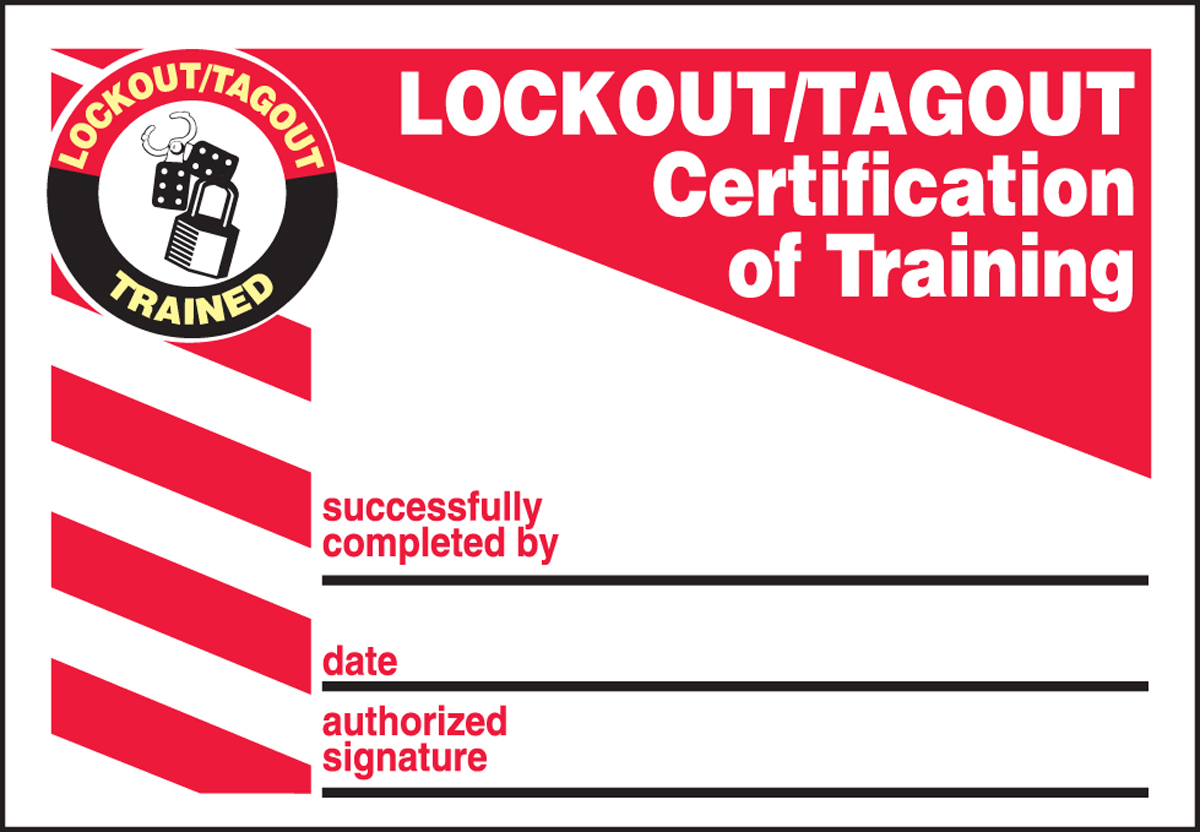
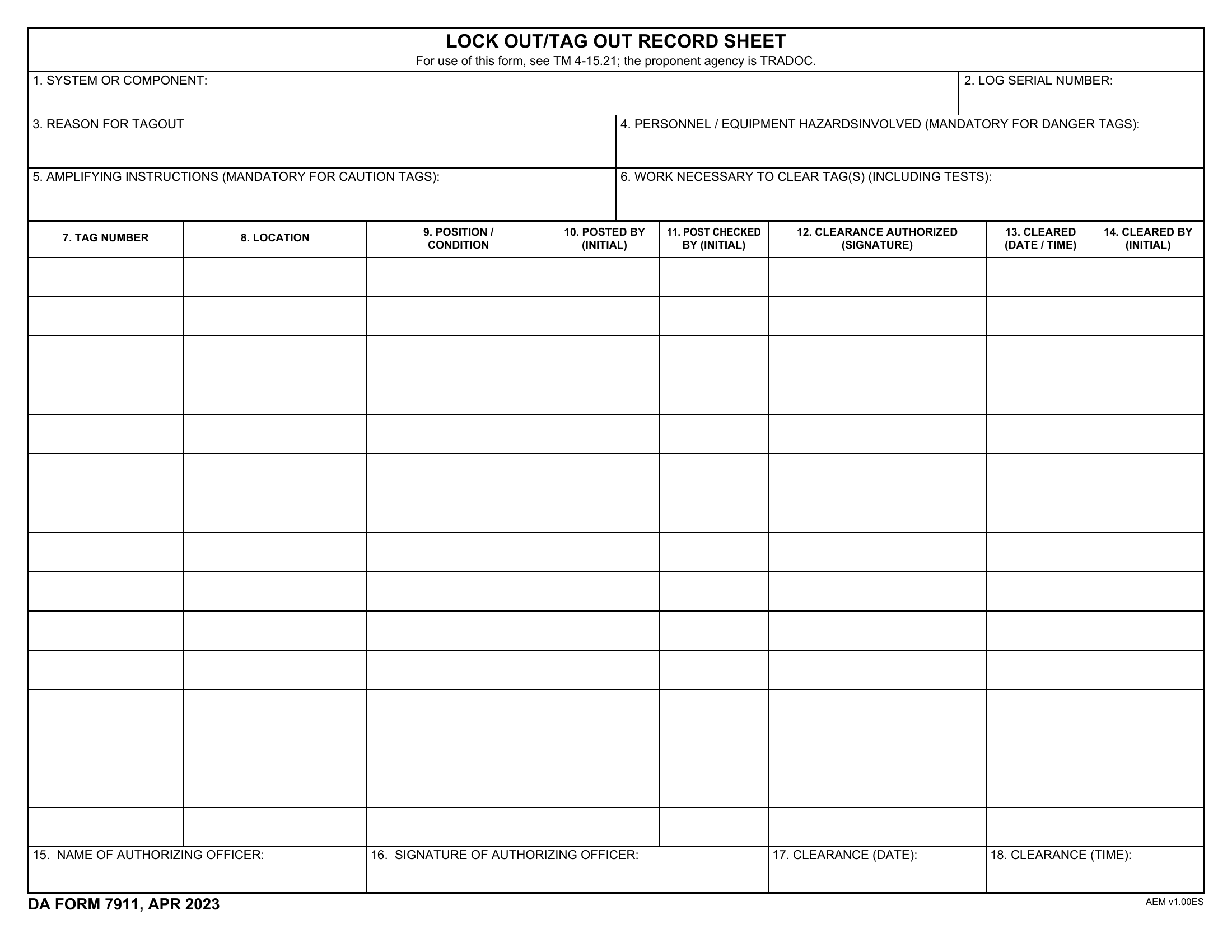
Safety meetings don’t have to start from scratch every time. Across construction sites, manufacturing floors, and field operations, supervisors waste hours crafting talks that could be streamlined with proven, reusable content. The real problem isn’t a lack of commitment—it’s inefficient preparation. That’s where a reliable toolbox talk topics download can transform routine meetings from compliance checkboxes into impactful safety moments.
These downloadable resources aren’t just templates. They’re structured, actionable, and designed to fit real-world conditions—addressing everything from ladder safety to heat stress. When sourced wisely, they save time, improve consistency, and help teams stay alert to evolving risks.
This guide cuts through the noise, highlighting where to find effective toolbox talk materials, what makes them work, and how to integrate them into your safety workflow—without losing authenticity or engagement.
Why Downloadable Toolbox Talks Matter
A toolbox talk is a short, focused safety discussion—typically 10 to 15 minutes—held at the jobsite. Their goal isn’t just information delivery but behavior change. Yet, many supervisors struggle with content fatigue, repeating the same topics or defaulting to vague warnings.
Downloadable toolbox talk topics solve this by offering:
- Ready-to-use content – Save prep time without sacrificing quality
- Regulatory alignment – Many align with OSHA, ANSI, or other standards
- Consistency – Ensure all crews receive the same critical messaging
- Variety – Rotate through high-impact topics to maintain engagement
For example, a roofing crew in Texas might download a heat stress talk in June, then switch to fall protection in September—each pre-researched and formatted for immediate use.
But not all downloads are equal. Generic PDFs with stock photos and fluff won’t resonate. The best resources are practical, visually clean, and prompt real dialogue—not just passive listening.
Key Features of High-Quality Toolbox Talk Downloads
Before grabbing the first free PDF you find, assess the content for these essentials:
1. Clear Structure Every solid talk includes: - Topic title - Objective (what the team should learn) - Key hazards - Prevention strategies - Discussion questions - Sign-off sheet
Without this framework, the talk lacks focus and accountability.
2. Real-World Language Avoid content that reads like a textbook. Phrases like “ensure proper utilization of PPE” sound robotic. Better: “When was the last time you checked your harness for frayed straps?”
3. Visual Aids The best downloads include diagrams, photos, or quick-reference checklists. A visual of a poorly rigged scaffold sticks longer than a verbal description.
4. Editable Formats PDFs are easy to distribute, but editable Word or Google Docs let you customize for your site, crew, or equipment.
5. Compliance Notes Look for references to OSHA 1926, lockout/tagout standards, or fall protection thresholds. This helps during audits.
Top 7 Sources for Toolbox Talk Topics Download
You don’t need to pay for quality content. These proven sources offer free, professional-grade toolbox talk downloads:
![The 18 Best Construction Toolbox Talk Topics [Free Pdf Download] – FXMET](https://worksafetyqld.com/wp-content/uploads/2021/08/101-Toolbox-Talk-Ideas-for-the-Construction-Industry-Blog-Cover-980x551.png)
| Source | Format | Topics Covered | Editable? | Best For |
|---|---|---|---|---|
| OSHA.gov | Fall protection, electrical safety, PPE | No | Regulatory accuracy | |
| SafetyNow | PDF + PPT | Hazard communication, forklift safety | No | Visual presentations |
| Creative Safety Supply | Fire safety, ergonomics, spills | Yes (Pro) | Customizable templates | |
| NASP (National Association of Safety Professionals) | Confined space, scaffolding | No | Certified content | |
| HSE UK | Manual handling, working at height | Yes | International teams | |
| SafetyInfo.com | DOC + PDF | Hot work, trenching, noise | Yes | Editing & reuse |
| RedVector (Free Section) | Site-specific risks | No | Large teams needing volume |
Insight: SafetyInfo.com stands out because their Word documents include built-in placeholders for site-specific details—like “Insert company name” or “Add your supervisor’s contact.” This encourages customization, making the talk feel less generic.
Limitation: Most free downloads lack industry-specific depth. For example, an offshore oil rig needs different content than a warehouse. Always adapt.
Common Mistakes When Using Downloaded Talks
Downloading a toolbox talk doesn’t mean the job is done. Poor execution can undermine even the best content.
1. Reading Aloud Without Engagement Don’t turn it into a monologue. Use the discussion questions. Ask: “Has anyone here seen this hazard before?” Silence kills impact.
2. Skipping the Sign-In Sheet If you can’t prove the talk happened, it didn’t—legally speaking. Always collect signatures. Store records for at least one year.
3. Ignoring Site Conditions A generic fall protection talk might not mention the unique anchor points on your site. Add a 2-minute site-specific example.
4. Overusing Downloads Relying solely on templates breeds complacency. Mix in live observations: “Yesterday, I saw a ladder near power lines—that’s today’s talk.”
5. Downloading from Unverified Sites Random blogs may offer “free” talks with outdated or incorrect safety advice. Stick to reputable sources like government agencies or established safety providers.
How to Customize a Downloaded Toolbox Talk
A template is a starting point—not the final product. Here’s how to tailor it:
- Add a Real Incident
- “Last month, a worker in Region B sprained his wrist lifting a compressor. This talk on manual handling could’ve prevented it.”
- Insert Site-Specific Controls
- Under “Prevention,” replace generic advice with your policy: “Our site requires two-person lifts for anything over 50 lbs.”
- Localize Language
- If crews speak Spanish, translate key points or include a bilingual summary.
- Update Equipment References
- Instead of “use proper PPE,” say “use the blue hard hats with face shields—those are required near the grinding station.”
- Shorten or Expand
- Need it faster? Cut background and go straight to hazards and questions. Have more time? Add a quick demo.
Example: A downloaded electrical safety talk mentions “de-energize circuits.” You add: “On this site, that means locking out at Panel G-3 and tagging it with your personal lock.”
Customization turns passive content into active learning.
Integrating Downloads Into Your Safety Workflow
A toolbox talk should be part of a broader safety rhythm—not a standalone event.
Weekly Planning Every Friday, download and review the next week’s topic. Choose based on: - Seasonal risks (e.g., frostbite in winter) - Upcoming tasks (e.g., welding next week = fire prevention talk) - Audit findings (e.g., 3 PPE violations = refresher on PPE use)

Morning Huddle Sync Start shift meetings with the talk. Keep it tight—10 minutes max. Assign rotating team members to lead occasionally to boost ownership.
Digital Access Store downloads in a shared folder labeled “Toolbox Talks – Q3.” Use Google Drive or Teams so supervisors can access them on tablets at the site.
Track & Rotate Use a spreadsheet to log topics covered. Avoid repeating the same 5 talks every month. Aim to cycle through 20+ distinct topics per year.
Audit Prep When OSHA shows up, you’ll need proof. Your downloaded talks, with sign-in sheets and dates, become instant evidence of due diligence.
Beyond the Download: Making Talks Stick
Content is only half the battle. Engagement determines whether safety behaviors change.
Use the “Show, Don’t Tell” Rule Instead of saying “hard hats prevent injuries,” bring in a damaged one from a real incident. Let the team pass it around.
Assign Mini-Tasks After a ladder safety talk, ask each worker to inspect one ladder that day and report issues.
Link to Incentives Recognize crews with zero incidents after completing a full cycle of talks. Reward reinforces the message.
Gather Feedback End with: “What safety topic should we cover next?” Workers often spot risks supervisors miss.
Avoid Topic Burnout Don’t recycle “PPE” every month. Drill deeper: “PPE Fit Testing,” “When PPE Fails,” “PPE in Extreme Heat.”
Final Tips for Using Downloaded Toolbox Talks
Treat every download as raw material—not a final product. Edit it, personalize it, and deliver it with confidence. The goal isn’t just to check a box but to change behavior.
Start with trusted sources like OSHA or SafetyInfo.com. Customize every talk with real examples from your site. Store them digitally for easy access. And always collect sign-offs.
When done right, a toolbox talk topics download isn’t just a time-saver—it’s a force multiplier for safety culture.
FAQ
Where can I download free toolbox talk topics? Reputable sources include OSHA.gov, SafetyInfo.com, Creative Safety Supply, and HSE UK—all offer free, downloadable safety talks in PDF or Word format.
Are downloadable toolbox talks OSHA-compliant? Many are, especially those from government or certified safety providers. Always verify that content aligns with OSHA 1926 or 1910 standards for your industry.
Can I edit downloaded toolbox talks? Yes, if the file is in Word or another editable format. Always customize to reflect your site’s procedures, equipment, and risks.
How often should toolbox talks be held? Weekly is ideal, but at minimum, once per month. Frequency increases impact, especially during high-risk projects.
Do toolbox talks need to be signed off? Yes. A sign-in sheet with names, dates, and topics is essential for compliance and audit purposes.
What topics should I cover in toolbox talks? Focus on common hazards: fall protection, PPE, electrical safety, excavation, lockout/tagout, and site-specific risks like crane operations or chemical handling.
How long should a toolbox talk last? Keep it between 10 and 15 minutes. Short, focused sessions maintain attention and fit into pre-shift routines.
FAQ
What should you look for in Toolbox Talk Topics Download – Free Resources for Safety Teams? Focus on relevance, practical value, and how well the solution matches real user intent.
Is Toolbox Talk Topics Download – Free Resources for Safety Teams suitable for beginners? That depends on the workflow, but a clear step-by-step approach usually makes it easier to start.
How do you compare options around Toolbox Talk Topics Download – Free Resources for Safety Teams? Compare features, trust signals, limitations, pricing, and ease of implementation.
What mistakes should you avoid? Avoid generic choices, weak validation, and decisions based only on marketing claims.
What is the next best step? Shortlist the most relevant options, validate them quickly, and refine from real-world results.