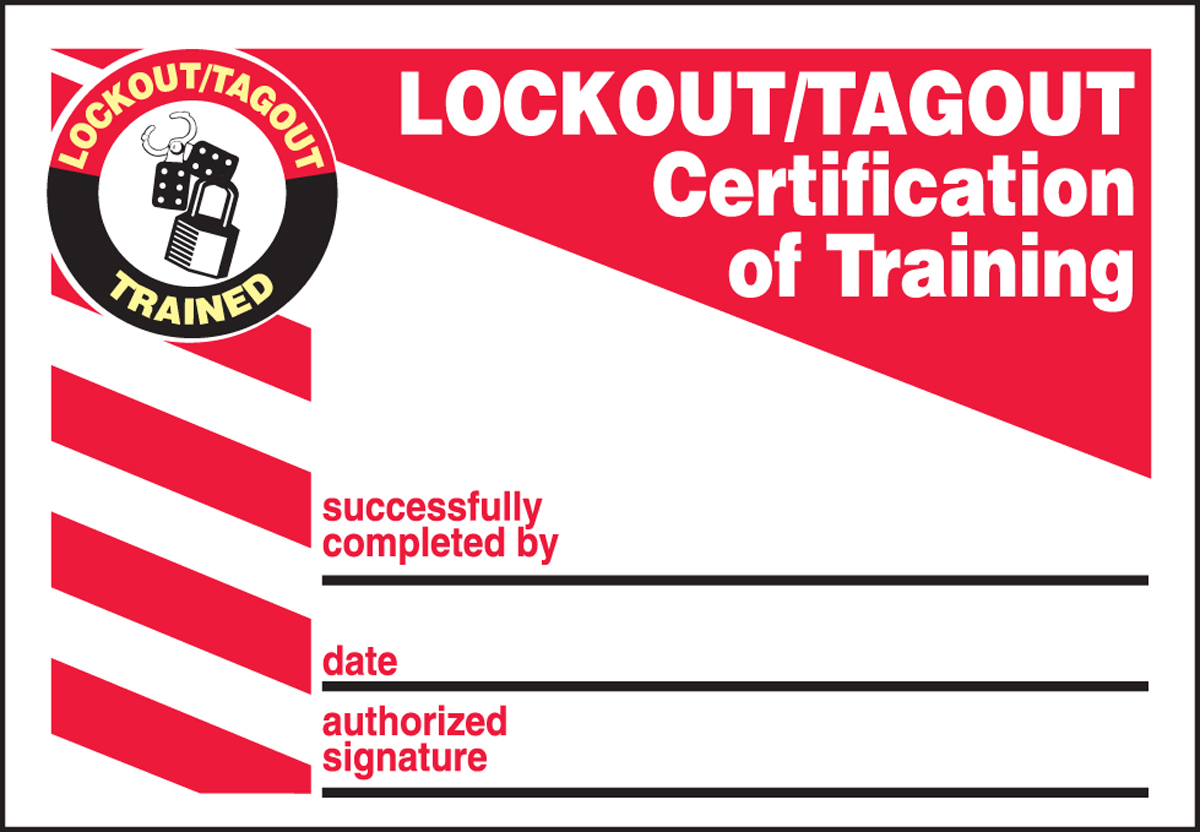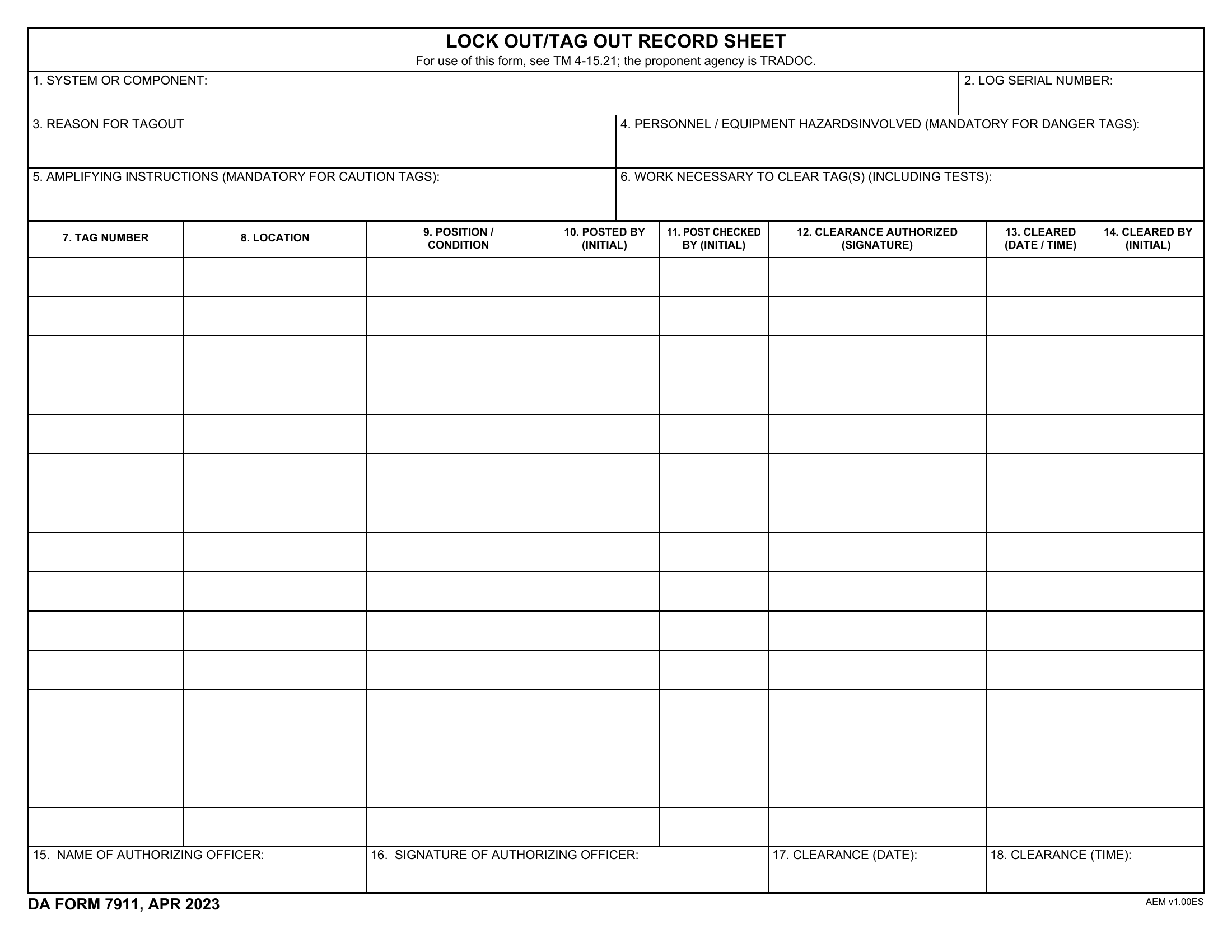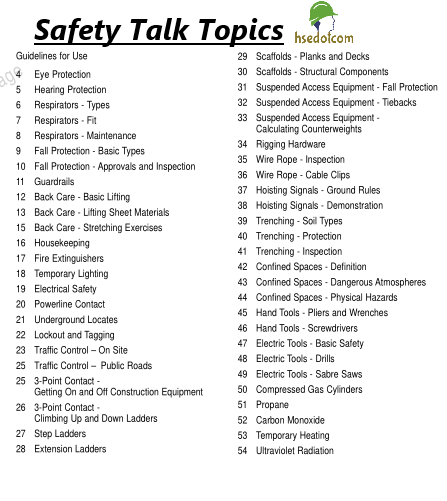
Workers get injured not because they ignore danger—but because hazards become invisible through routine. That’s where safety toolbox talks bridge the gap between policy and practice. A well-structured safety toolbox talk topics PDF isn’t just a document; it’s a frontline defense against complacency, miscommunication, and preventable accidents. When designed correctly, these PDFs serve as portable, repeatable, and standardized resources that supervisors can deploy in minutes, turning downtime into safety up-time.
For safety managers, foremen, and site leads, having a ready library of toolbox talk topics in PDF format means consistency across shifts, crews, and locations. No more scrambling for talking points or relying on memory. The right PDF guide streamlines communication, reinforces safety culture, and meets regulatory requirements—without requiring hours of prep.
This guide delivers exactly that: a practical, field-tested approach to selecting, organizing, and using safety toolbox talk topics in PDF format. You’ll learn what makes an effective talk, how to customize content for real-world impact, and where to source reliable, ready-to-use templates.
Why PDFs Dominate Toolbox Safety Communication
PDFs remain the gold standard for distributing safety toolbox talk materials. Unlike editable formats or cloud-only files, PDFs preserve formatting across devices, prevent accidental changes, and load quickly—even offline on a phone or tablet at a remote site.
More importantly, a safety toolbox talk topics PDF is: - Easily printed for sign-in sheets and records - Shareable via email, messaging apps, or digital bulletin boards - Compatible with safety management software - Audit-ready for OSHA, COR, or ISO compliance
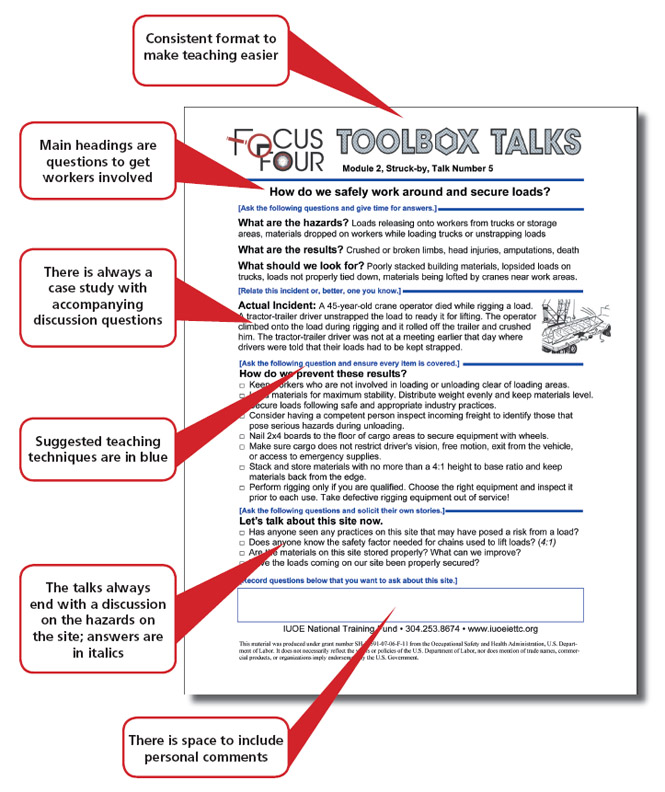
But not all PDFs are created equal. A poorly designed one is just a wall of text. The best PDFs are visual, concise, and structured for discussion—not lecture. They include: - A clear topic title and objective - Real-world hazard examples - Discussion prompts for team engagement - Space for attendance logs or signatures - Visuals like icons or diagrams to reinforce key points
If your current toolbox talk PDFs are gathering digital dust, it’s likely because they’re not built for real use. The fix? Structure them for action.
10 High-Impact Safety Toolbox Talk Topics You Need in Your PDF Library
Relevance drives engagement. Generic topics like “Stay Safe” won’t spark discussion. Instead, focus on specific, recurring hazards your team faces daily. Below are ten proven toolbox talk topics that should anchor your safety PDF collection:
1. Hazard Recognition in Dynamic Work Environments Teach workers to identify emerging risks—like changing weather, moving equipment, or altered workflows. Use a real near-miss from your site to ground the talk.
2. Proper Use of Fall Protection Systems Detail harness checks, anchor points, and fall clearance. Include a checklist for pre-use inspection—printed right in the PDF.
3. Safe Lifting Techniques (Manual & Mechanical) Cover body mechanics, team lifts, and crane/signaling protocols. Add visuals showing correct vs. incorrect postures.
4. Electrical Safety Around Temporary Power Focus on GFCI use, cord damage, and overhead line awareness. Ideal for construction, maintenance, and event crews.
5. Hot Work and Fire Prevention Outline permit requirements, fire watch duties, and extinguisher types. Include a quick “clear, check, control” checklist.
6. Confined Space Entry Awareness Even if your team doesn’t routinely enter confined spaces, awareness prevents unauthorized entry. Clarify entry definitions and emergency procedures.
7. Hand and Power Tool Safety Address common oversights: damaged cords, improper guards, and PPE mismatch. Use photos of real tool defects.
8. Slips, Trips, and Falls on the Same Level Often overlooked, these cause more injuries than height-related falls. Focus on housekeeping, footwear, and clutter control.
9. Communication During High-Noise Operations Discuss hand signals, radio protocols, and hearing protection limits. Include a simple signal chart.
10. Fatigue and Situational Awareness Mental fatigue impairs judgment. Talk about shift length, hydration, and the “pause and assess” habit.
Each of these topics should be a standalone 1–2 page PDF with a consistent layout. Rotate them weekly—or more often in high-risk phases—to maintain engagement.
How to Customize Your Safety Toolbox Talk PDFs
One-size-fits-all templates fail in the field. A PDF that references “heavy machinery” won’t resonate with an office renovation crew using hand tools. Customization is non-negotiable.
Start by auditing your incident reports, near misses, and audit findings. Which hazards keep appearing? Build talks around those. Then tailor each PDF with: - Site-specific photos - Crew names or roles - Local weather or environmental factors (e.g., monsoon season, winter ice) - References to your company’s safety policies
For example, a “working at height” PDF for a telecom tower crew should include photos of your actual harness models and anchor systems—not generic clip art.
Also, let supervisors add notes. Leave a blank “Key Takeaways” section at the end of each PDF so leads can summarize what their team discussed. This makes each session unique while keeping the core content standardized.
Common Mistakes That Undermine Toolbox Talk Effectiveness
Even with a strong PDF library, poor delivery kills impact. Avoid these pitfalls:
1. Reading Word-for-Word from the PDF Toolbox talks are discussions, not lectures. The PDF is a guide, not a script. Train supervisors to use bullet points as prompts, not paragraphs to recite.
2. Skipping the Sign-In Sheet No signature, no record. Always include a simple attendance table in the PDF. It’s critical for audits and proves training occurred.
3. Holding Talks in Distraction-Prone Areas Don’t conduct a talk next to a running generator. Choose a quiet, visible spot—ideally with seating or standing room free from interruptions.
4. Ignoring Worker Feedback If employees suggest new topics, add them. A PDF titled “Your Input Matters: Reporting Unsafe Conditions” shows you’re listening.
5. Repeating the Same Topics Without Refreshing Content If you run “PPE Compliance” every quarter with the same slides, it becomes background noise. Rotate variations—e.g., “PPE in Extreme Heat” or “When PPE Fails.”
A great PDF doesn’t guarantee a great talk. It enables one. The human element—engagement, eye contact, follow-up—makes the difference.
5 Reliable Sources for Safety Toolbox Talk Topics PDFs
Don’t start from scratch. Leverage proven templates from reputable organizations. Here are five trusted sources offering free or paid PDFs:

| Source | Key Features | Best For |
|---|---|---|
| OSHA (U.S. Department of Labor) | Free, OSHA-compliant topics, bilingual options | General industry, construction |
| Safe Work Australia | Region-specific, risk-focused, downloadable PDFs | Teams in Australia or APAC |
| Canadian Centre for Occupational Health and Safety (CCOHS) | Extensive topic library, multilingual, editable formats | Canadian operations |
| SafetyInfo.com | Premium templates with sign-in sheets, visuals, and quizzes | Companies wanting polished, ready-to-use content |
| Creative Safety Supply | Free downloadable PDFs with modern design and icons | Visual learners and small teams |
When selecting templates, confirm they’re editable (e.g., .doc or layered PDF) so you can insert your logo, policies, and site details. Avoid password-protected or non-modifiable files.
Integrating PDF Talks Into Your Safety Workflow
A toolbox talk PDF shouldn’t live in a folder—it should be part of your operational rhythm. Build a simple system:
- Schedule Weekly Topics
- Create a 12-week calendar assigning one topic per week. Distribute it monthly to supervisors.
- Distribute PDFs in Advance
- Email or upload PDFs to your team’s shared drive or app every Sunday. Let leads review them before the talk.
- Conduct and Document
- After the 10–15 minute talk, supervisors collect signatures and file the sheet digitally or physically.
- Audit and Rotate
- Every quarter, review which topics had the most engagement or tied to incident trends. Replace low-impact ones.
For digital teams, consider syncing PDFs with safety apps like iAuditor or SafetyCulture. Upload the PDF as a reference within a checklist, so the talk and record-keeping happen in one place.
Measuring the Impact of Your Toolbox Talk Program
A PDF library is only valuable if it changes behavior. Track: - Attendance rates over time - Number of employee-reported hazards post-talk - Reduction in repeat incidents - Audit scores related to training compliance
If you notice attendance dropping, switch topics or delivery style. If hand injury reports remain high despite tool safety talks, dig deeper—maybe the real issue is inadequate tool maintenance, not awareness.
Use your PDFs as feedback loops. Add a small section titled “What We’ll Improve This Week” at the end of each talk. Then, follow up in the next session: “Last week we talked about secure ladders. Did we see improvement? What’s still missing?”
Make Your Safety Toolbox Talk Topics PDFs Work for You
A safety toolbox talk topics PDF shouldn’t be a compliance checkbox—it should be a catalyst for conversation, awareness, and cultural change. The most effective ones are specific, well-designed, and integrated into daily operations.
Start by auditing your current materials. Replace vague, outdated documents with targeted, visual, and actionable PDFs. Customize them for your teams, train supervisors on delivery, and track real-world results.
Then, treat each toolbox talk not as a meeting, but as a moment of protection. Because in the gap between knowing and doing, that’s where safety wins—or fails.
Equip your leads with the right tools. Build your library. Make every talk count.
Frequently Asked Questions
What should a safety toolbox talk PDF include? A clear topic, hazard examples, discussion questions, safety tips, and a sign-in section for documentation.
How long should a toolbox talk be? Ideally 10–15 minutes—focused and interactive, not a lecture.
Can I reuse toolbox talk PDFs? Yes, but rotate and refresh them. Revisit key topics quarterly with updated examples.
Are free PDFs from government sites reliable? Yes—OSHA, Safe Work Australia, and CCOHS offer high-quality, compliant content.
How often should toolbox talks be held? At minimum, weekly. More frequently during high-risk operations or after incidents.
Should toolbox talks be recorded? Yes—attendance sheets in the PDF serve as proof of training for audits and compliance.
Can PDFs be used digitally on tablets at site? Absolutely. Many teams use tablets with digital signature apps to streamline the process.
FAQ
What should you look for in Safety Toolbox Talk Topics PDF Guide for Worksite Teams? Focus on relevance, practical value, and how well the solution matches real user intent.
Is Safety Toolbox Talk Topics PDF Guide for Worksite Teams suitable for beginners? That depends on the workflow, but a clear step-by-step approach usually makes it easier to start.
How do you compare options around Safety Toolbox Talk Topics PDF Guide for Worksite Teams? Compare features, trust signals, limitations, pricing, and ease of implementation.
What mistakes should you avoid? Avoid generic choices, weak validation, and decisions based only on marketing claims.
What is the next best step? Shortlist the most relevant options, validate them quickly, and refine from real-world results.